
WooCommerce Crypto Payment Plugin
Accept Bitcoin on-chain and Lightning Network payments directly in your WooCommerce store. Non-custodial by design — connect your own wallet and node, no PayCrypto.Me account or API key required.
Non-custodial. Full control. 0% transaction fees.
Payments go straight to a wallet or node you control — we never hold your funds, and there's no PayCrypto.Me account or API key standing between you and your money. Install it, connect your own Bitcoin wallet and, optionally, your own Lightning node, and you're accepting crypto payments in minutes. No custodial processor, no third-party API holding your funds, no percentage cut on every sale.
See it in action
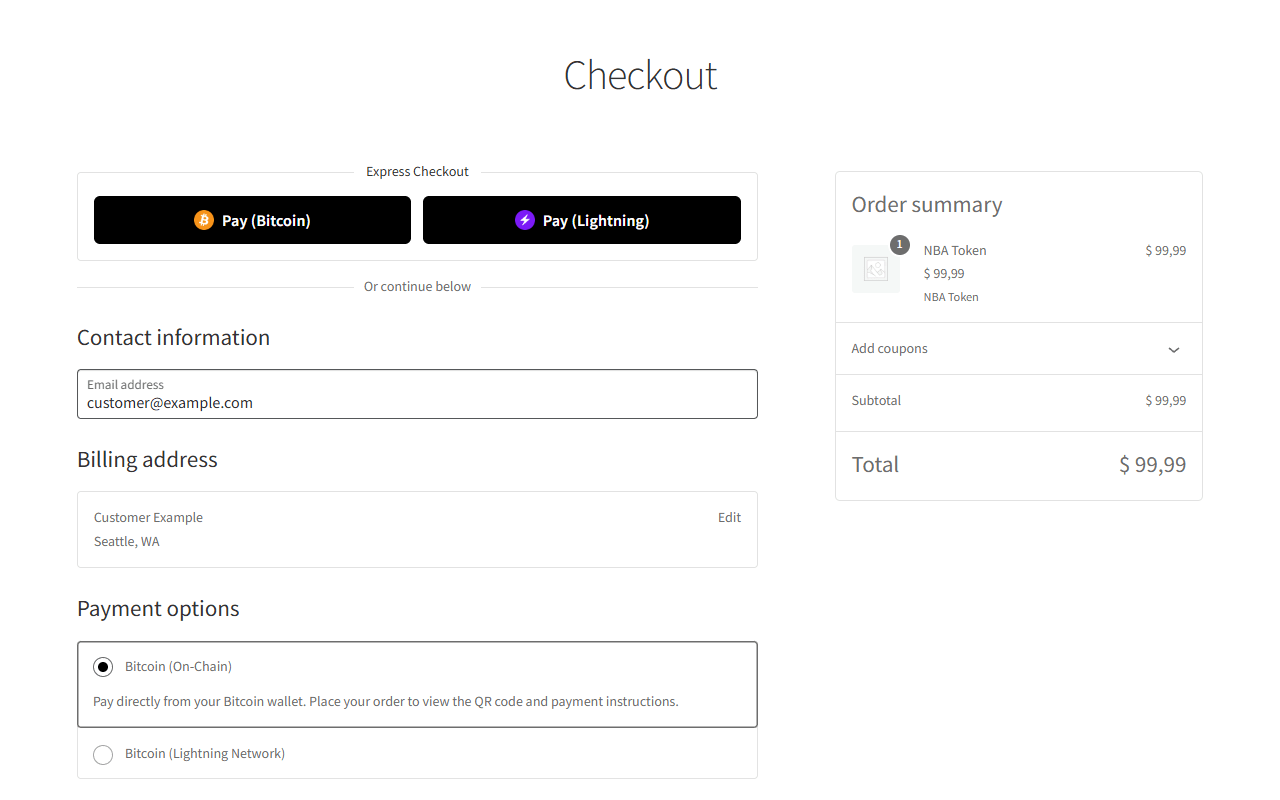
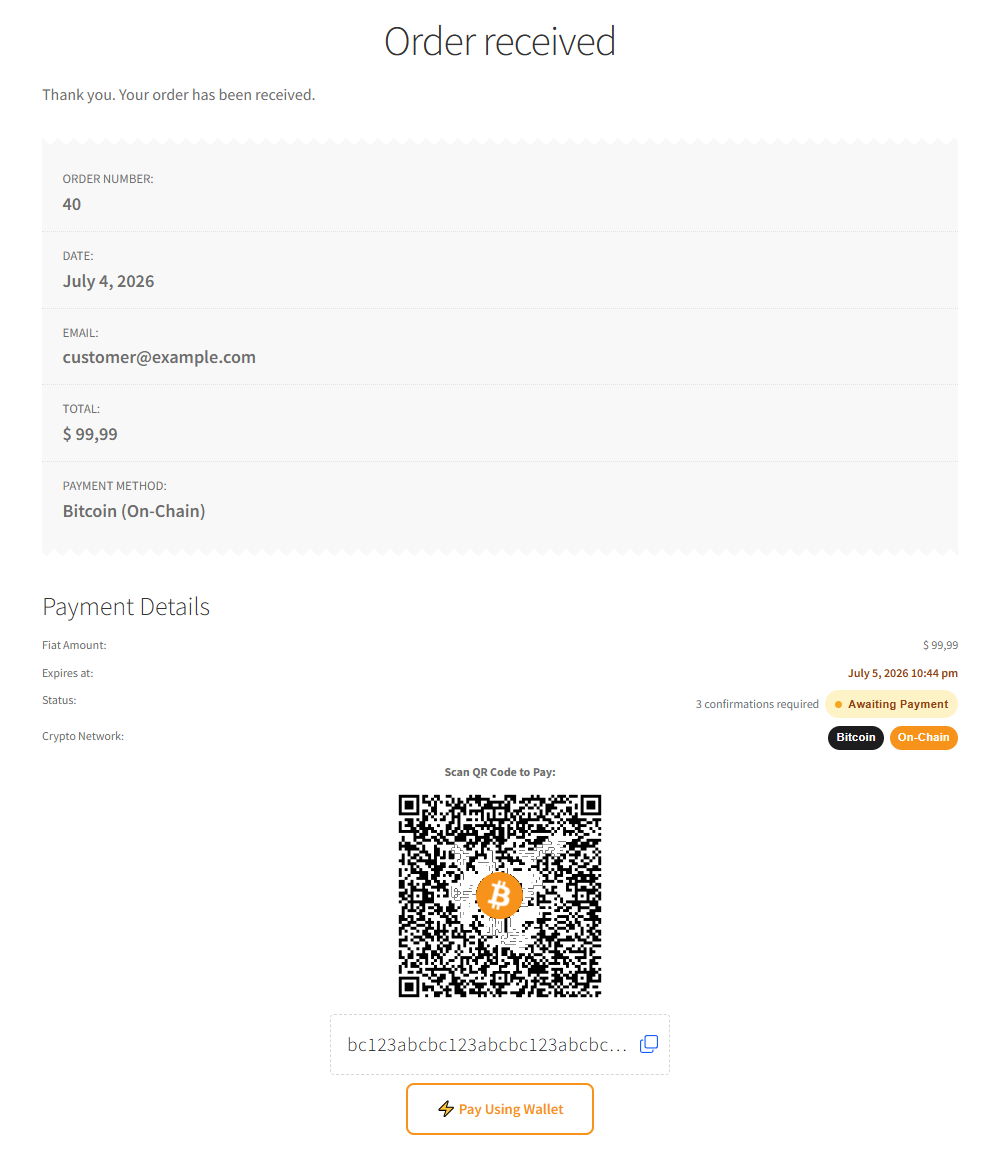
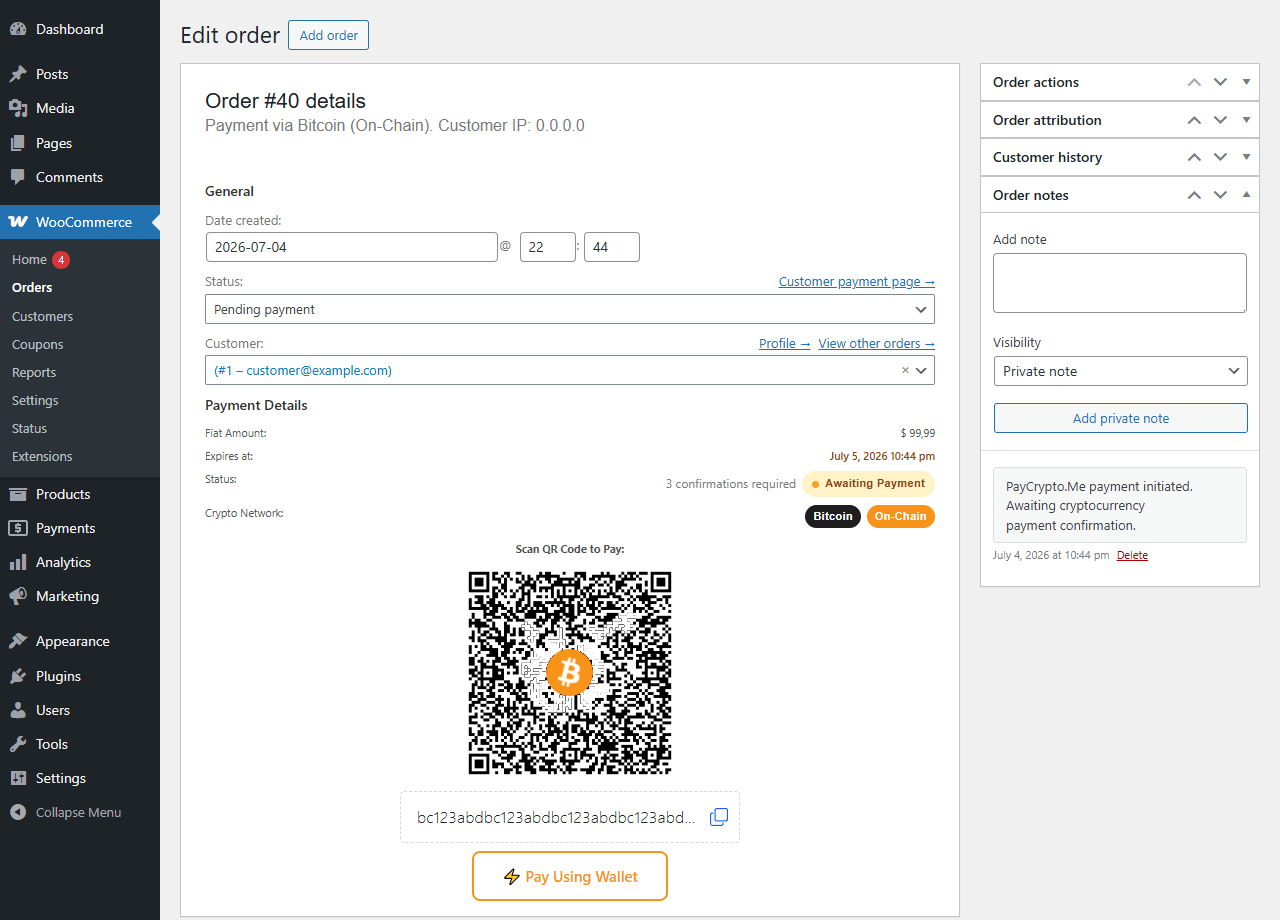
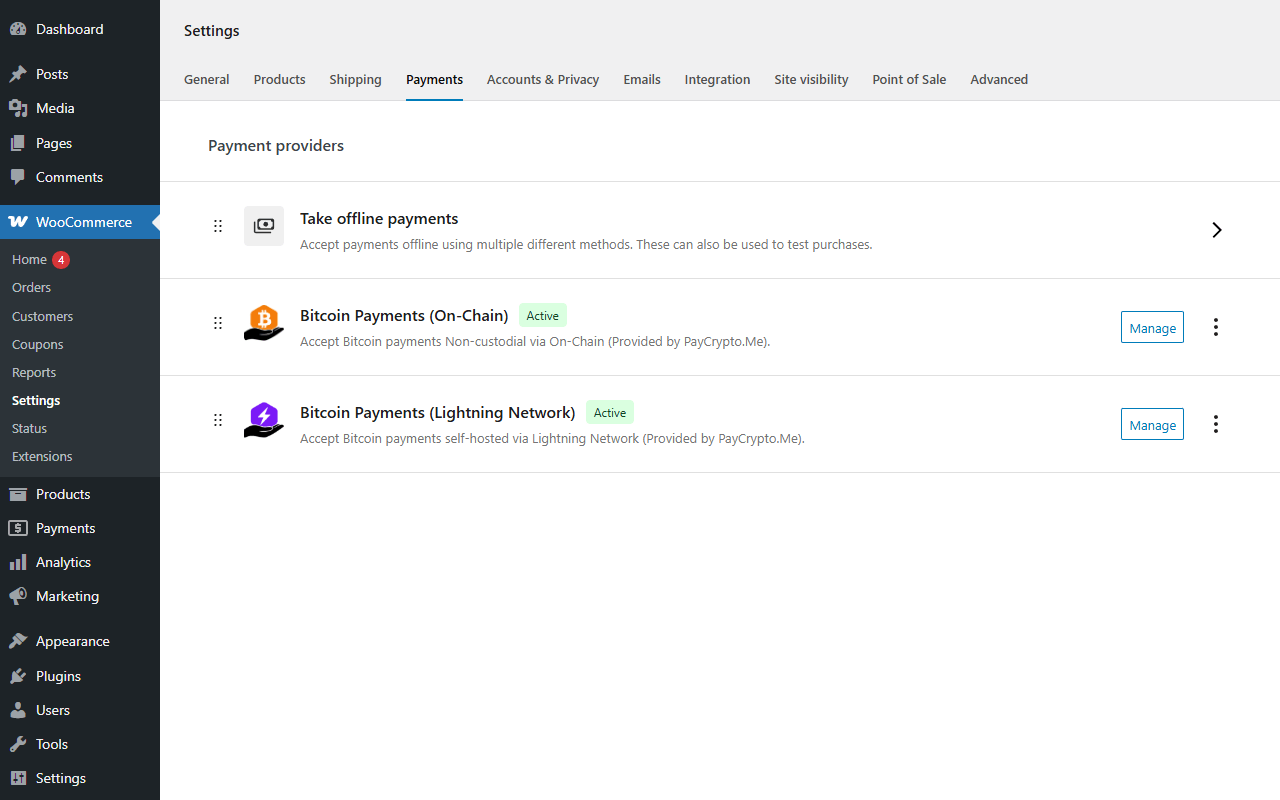
What's included in v0.1.2
- ✓ Bitcoin on-chain gateway with HD address derivation (xPub/yPub/zPub) — mainnet and testnet
- ✓ Bitcoin Lightning Network gateway via your own BTCPay Server or lnd node
- ✓ Works with WooCommerce Blocks and classic shortcode checkouts, plus an Express Payment button
- ✓ Payment QR codes with copy-to-clipboard and wallet deep links on Thank You, My Account, and admin order pages
- ✓ High-Performance Order Storage (Custom Order Tables) compatible
- ✓ Works even on hosts without the PHP GMP extension, using a single fixed Bitcoin address
- ✓ Translated into Portuguese (Brazil), Spanish, French, German, Italian, Russian, and Simplified Chinese
Requirements
Frequently asked questions
Is there a crypto payment gateway for WooCommerce?
Yes — PayCrypto.Me is a free WooCommerce plugin that adds a Bitcoin on-chain and Lightning Network payment gateway to your checkout. It's non-custodial: payments go straight to your own wallet or node, no PayCrypto.Me account or API key required.
Does PayCrypto.Me charge a transaction fee?
No — the plugin is free, with no percentage cut on every sale, unlike percentage-based crypto payment processors that charge 1% or more per transaction. Because we're non-custodial, payments never pass through us in the first place — the only cost is the underlying network fee (near-zero on Lightning; a variable miner fee on Bitcoin on-chain, paid to the network, not to PayCrypto.Me).
How do I accept crypto payments in my WooCommerce store?
Install the PayCrypto.Me plugin from WordPress.org, connect your own Bitcoin wallet (and, optionally, your own Lightning node), and the gateway shows up automatically under WooCommerce → Settings → Payments. No coding required.
Is there a free Bitcoin payment plugin for WordPress?
Yes. PayCrypto.Me for WooCommerce is free on WordPress.org and includes both the Bitcoin on-chain and Lightning Network gateways in the free version — no premium tier required to start accepting payments.
Do I need a third-party crypto payment processor to use this plugin?
No. Unlike custodial crypto payment processors, PayCrypto.Me never touches your funds or asks for an account or API key — payments settle directly to the Bitcoin wallet or Lightning node you connect.
Can I accept Bitcoin Lightning Network payments in WooCommerce?
Yes — connect your own BTCPay Server or lnd node and the plugin adds a Lightning payment option at checkout, with near-instant confirmation and fees typically under $0.01.
Does the plugin work with the WooCommerce Blocks checkout?
Yes — it supports WooCommerce Blocks and the classic shortcode checkout, plus an Express Payment button, and is compatible with High-Performance Order Storage (Custom Order Tables).