Direct crypto
payments.No third-party custody.
Give your customers the freedom to pay in crypto. Receive funds directly in your own wallet, with no third party holding them for you.
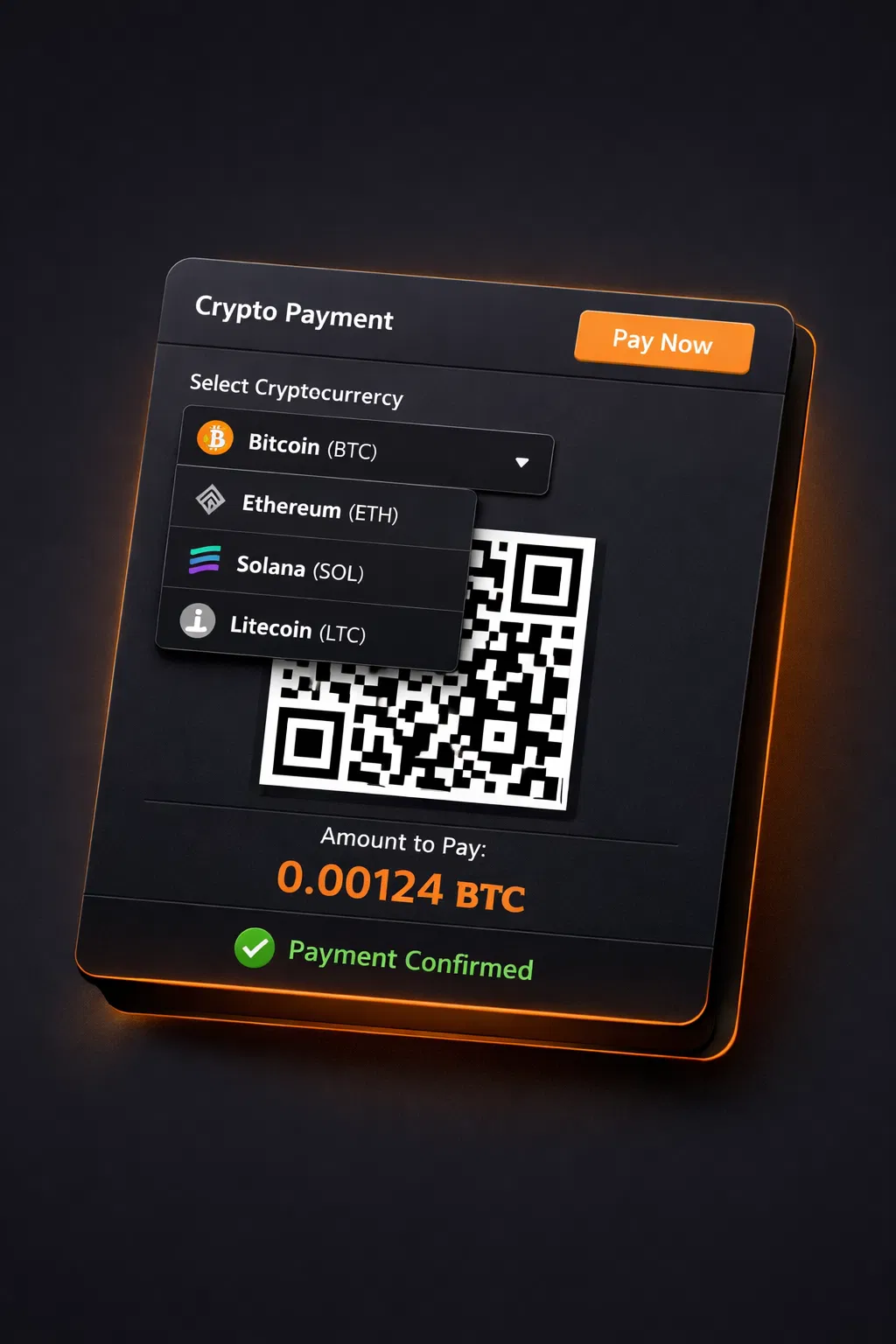
Built for Modern Commerce
Start with the free Bitcoin plugin. Explore what it includes today and help guide what we build next.
Non-Custodial Security
Your funds go directly to your wallet. PayCrypto.Me never holds your money — you maintain full control at all times.
Bitcoin & Lightning
Choose on-chain addresses or invoices from your own Lightning infrastructure. Verify payments manually in the free plugin.
API — Planned
Tell us about your integration needs. A public API is planned; it is not available for production integration today.
Automation — Planned
Automatic confirmation and fiat-to-sats conversion are planned for Premium. The free plugin requires manual amount handling and verification.
No Private Spending Keys
On-chain setup uses a receiving address or extended public key, not your seed phrase.
Your Own Wallet
Receive Bitcoin directly into a wallet you control.
Order Payment Details
View addresses and invoices alongside your WooCommerce orders.
Manual Order Review
Check payment receipt before updating and fulfilling each order.
Bitcoin Today. More Networks Planned.
Bitcoin on-chain and Lightning are available in the free WooCommerce plugin. All other networks and assets shown here are planned, not available payment methods.

Available — on-chain, manual verification
Available — connect your own BTCPay/lnd
Planned — not available today
Planned — not available today
Planned — not available today
Planned — not available today
Planned — not available today
Share which networks you need next
Security Is Not Optional
In the world of cryptocurrency, security is paramount. PayCrypto.Me was designed from the ground up with security as a core principle, not an afterthought.
Your Keys, Your Crypto
PayCrypto.Me operates in a non-custodial model. Payments are sent directly to your wallet address — we never have access to your private keys or funds.
Full Transparency
The plugin is open source. Review its published capabilities and limitations, and verify payments through your wallet or node.
Your Infrastructure
The on-chain gateway derives addresses locally. Lightning connects to the BTCPay Server or lnd node you configure and operate.
Protect Your Setup
Protect your WordPress installation, backups and node credentials. Extended public keys cannot spend funds, but can expose wallet activity.
Plugin in Play
Start with our free WooCommerce Bitcoin payment plugin: configure your wallet, test checkout and verify payments manually. Other platform integrations are in development or planned.
WooCommerce
Bitcoin and Lightning checkout with manual payment verification
- Available on WordPress.org
- Bitcoin on-chain & Lightning
- v0.4.3 — actively maintained
Magento 2
Enterprise-grade extension for Adobe Commerce
- Extension marketplace
- Multi-store support
- B2B compatible
REST API
Direct integration for any platform or custom solution
- Share your integration needs
- Help guide API development
- Express interest in a pilot
More Platforms
OpenCart, PrestaShop, Shopify and more coming soon
- OpenCart module
- PrestaShop addon
- Shopify app
Planning a Custom Integration?
Tell us what your project needs from a future API. The example below illustrates an integration concept; it is not a live API or an available SDK.
// Concept only — not a live API or SDK
const payment = await paycrypto.createPayment({
  amount: 99.99,
  currency: "USD",
  cryptos: ["BTC", "ETH", "SOL", "LTC"],
  webhook: "https://yourstore.com/webhook",
  redirect: "https://yourstore.com/success"
});

// Redirect customer to payment page
window.location.href = payment.checkoutUrl;
How It Works
The free WooCommerce workflow keeps you in control, with manual amount handling and payment verification.
Customer Checks Out
Your customer selects Bitcoin or Lightning at your configured WooCommerce checkout.
Receives Payment Details
The plugin displays a receiving address or Lightning invoice. You establish and communicate the BTC/sats amount; fiat conversion is not automatic.
You Verify Receipt
Check the destination, amount and payment status in your wallet, node or block explorer. The free plugin does not automatically confirm orders.
Update & Fulfil
Funds go directly to your configured wallet or node. After checking receipt, update the WooCommerce order manually before fulfilment.
Share your plans · Optional email follow-up
Frequently Asked Questions
Everything you need to know about PayCrypto.Me.
Still have questions? — we're happy to help.
Ready to Accept Crypto Payments?
Tell us about your business and the payment options you need. Help guide development and express interest in potential pilots, with optional email follow-up.